The relationship between a system and its operators continues after installation. Clear documentation, practical training and a known support route help the team maintain that connection.
Production in motion
Technology in the hands of the team.
A short production-floor excerpt showing people working together at the controls.
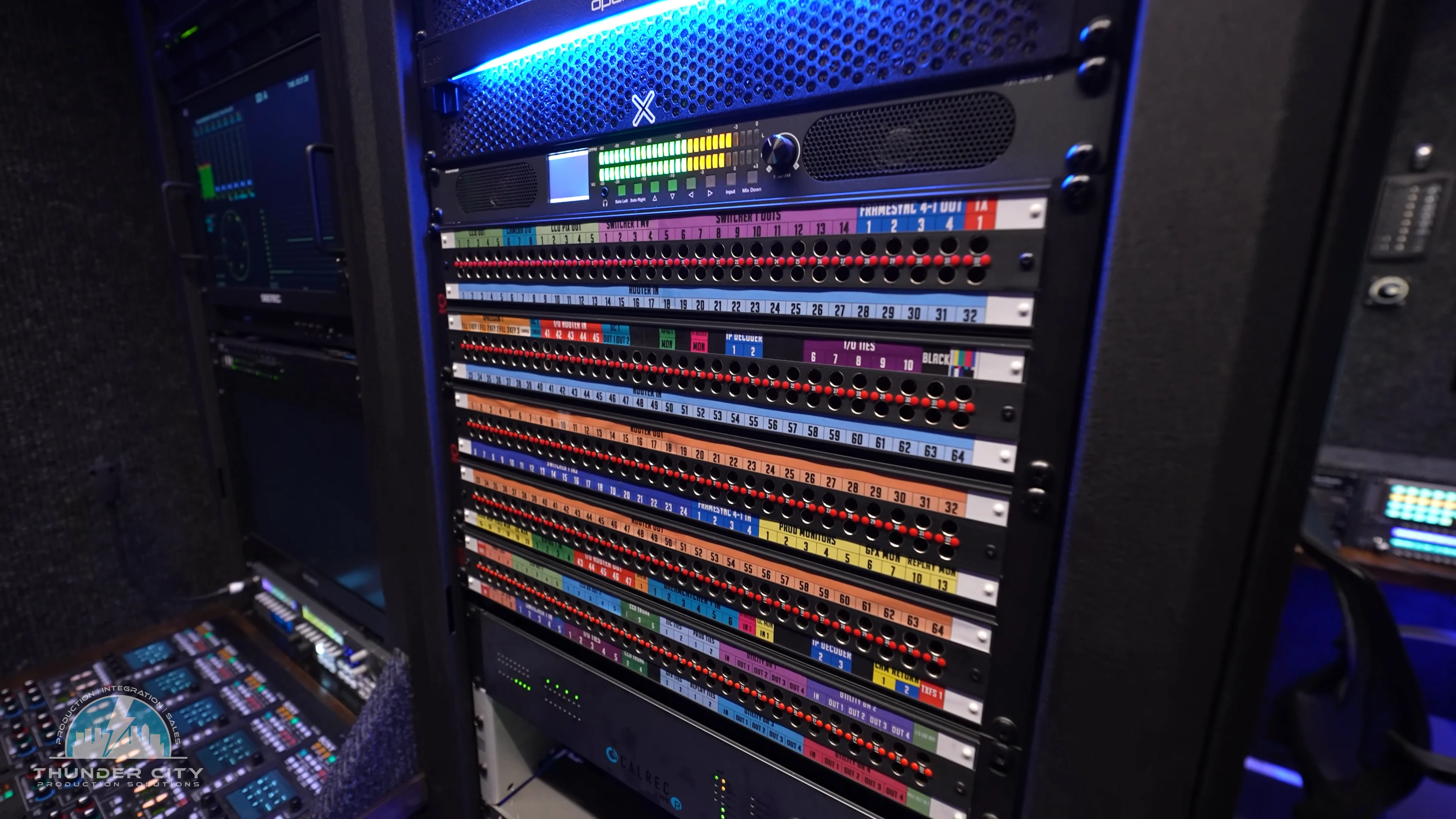
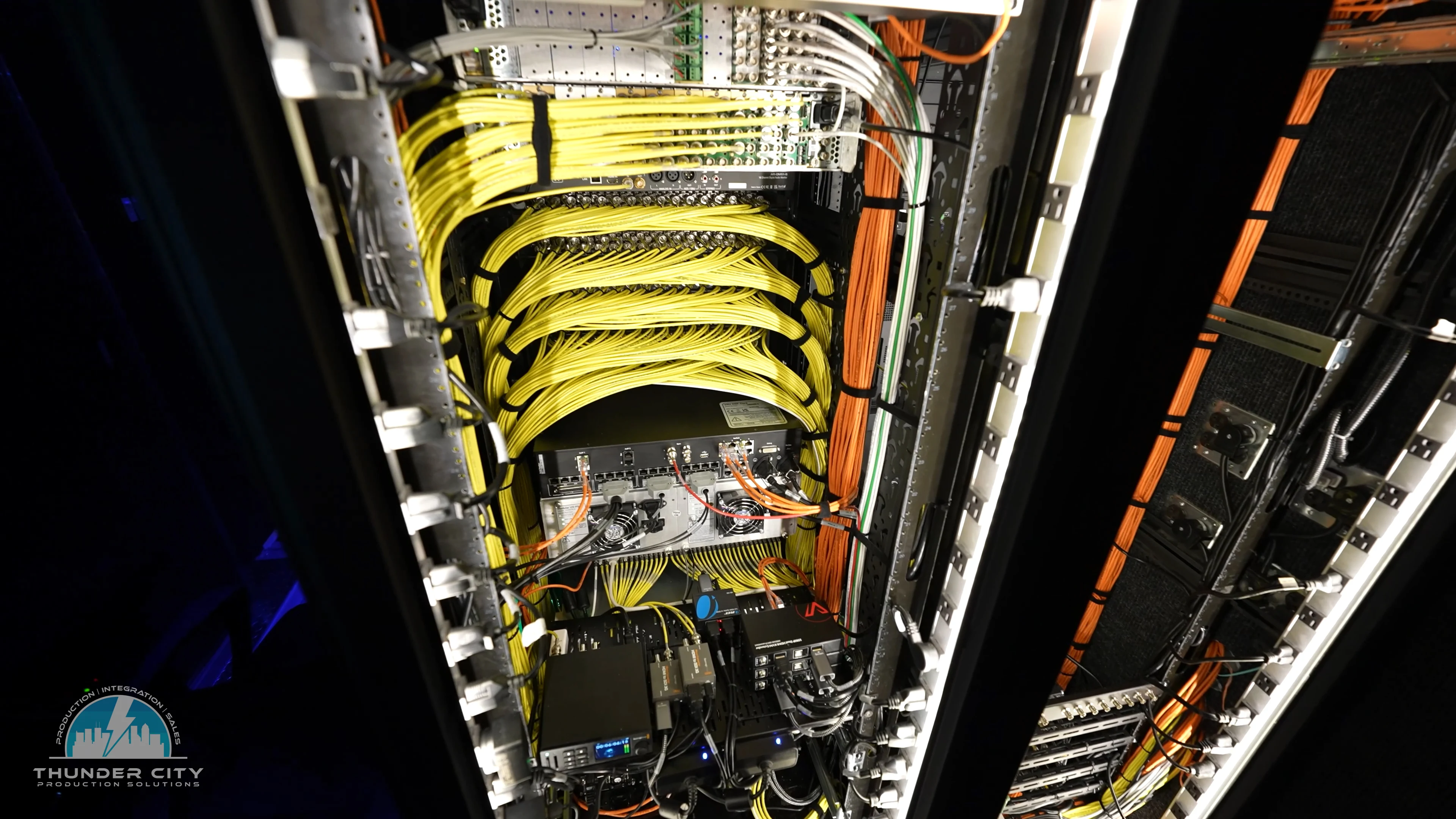
Useful access and clear identification support the work that continues after installation.
Identified signal pathsAccess to the connected infrastructure
Planning the system
What to consider.
Use these questions to shape the scope, compare approaches and prepare a useful conversation with the project team.
Teach the workflow people will actually use
An operator handoff should follow the production: starting the system, checking sources, using controls, communicating, delivering feeds and recording. Match the detail to the roles on the team. Agree the training and documentation scope as part of the project so it supports the people who will take over.
Leave an understandable system behind
Signal flow, cable identification, rack layouts and configuration information help engineers trace a problem or plan a change. Determine which materials form the project handoff and how they will be kept available. Documentation needs to reflect the delivered system rather than only the original concept.
Report the issue in context
For an existing system, use the STORM support route and describe the affected equipment, symptoms and timing. Include what changed, whether the issue is repeatable and the impact on production. Relevant screenshots or fault messages can help the team understand where to begin; do not send passwords in a support description.
Coordinate remote assistance
Remote access should be arranged with the support team and the organization responsible for the system. Confirm the appropriate contact, access method and production constraints before the session. The remote-support link is a tool for a coordinated session, not a guarantee of immediate availability.
Plan changes as part of the system
A new device or software update can affect formats, control, licensing or other connected equipment. Discuss the intended change, dependencies and a suitable verification window. Keep records of accepted configuration changes so the next operator or engineer can understand the current state.
Agree the support arrangement
Maintenance, spares, upgrades and engineering assistance depend on the system and the requested scope. Discuss the service you need, the production calendar and the responsibilities of your own team. Availability and any service commitments are confirmed directly with SYNA.